Good stewardship.
Less busywork.
Giving, people, and funds in one place.
Built for your church’s team.
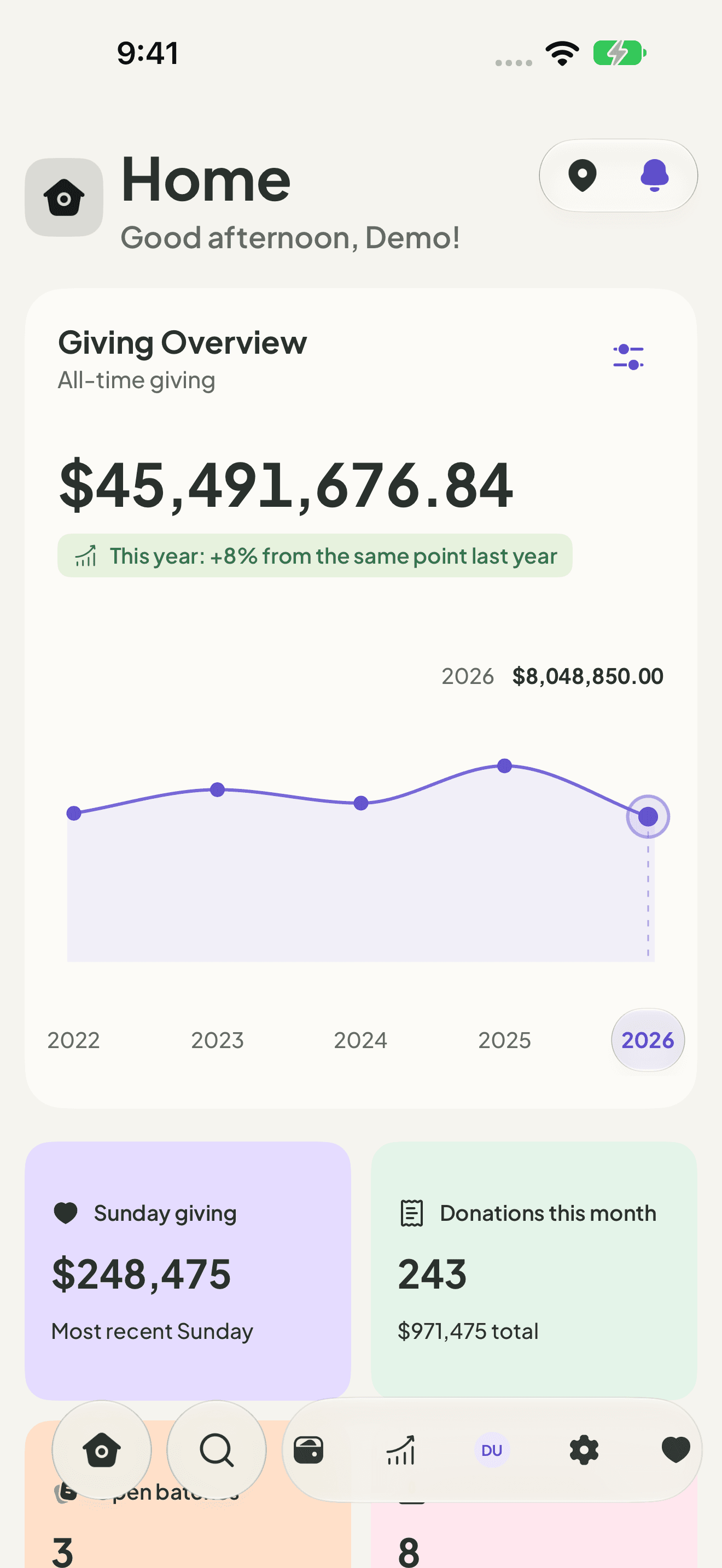

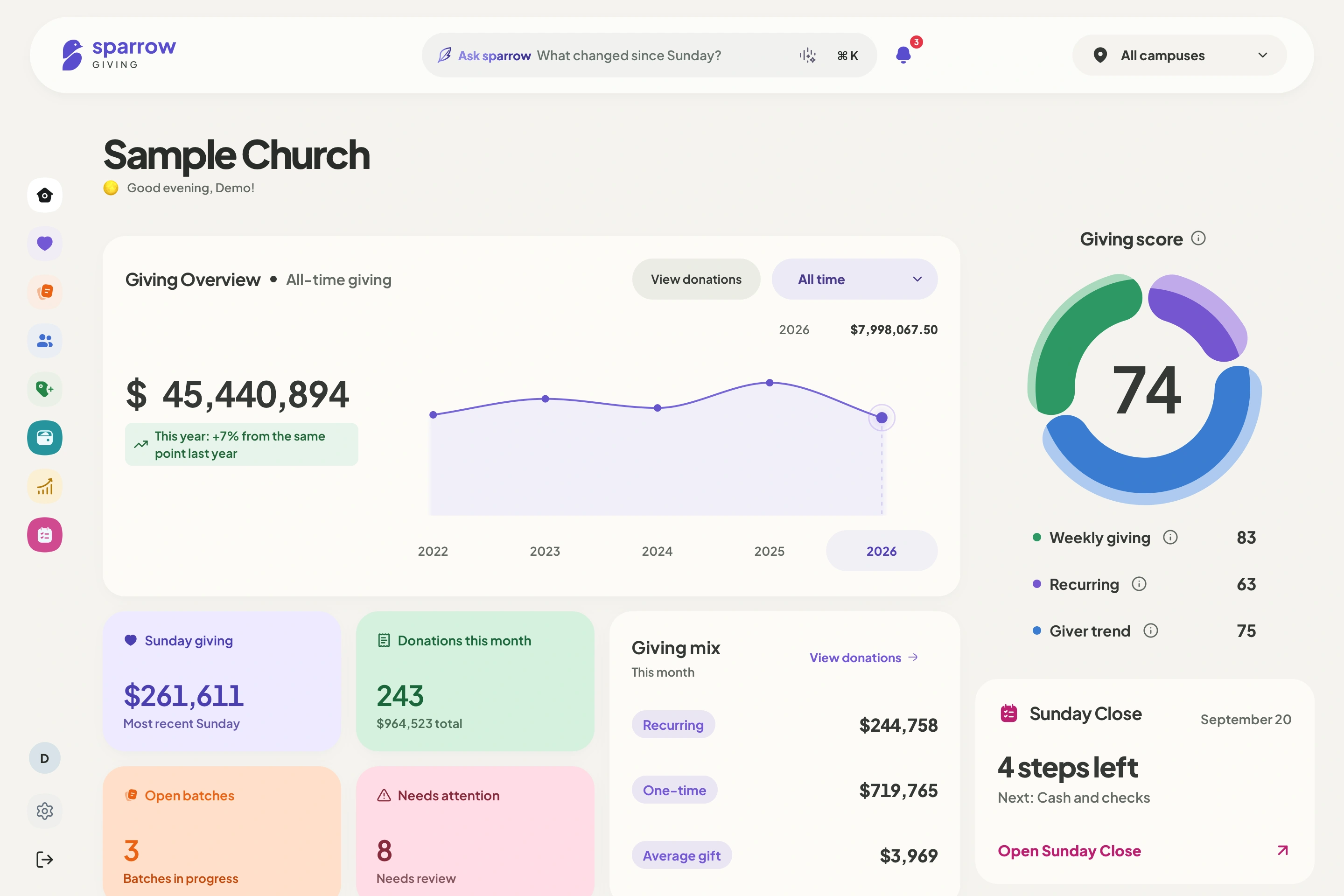
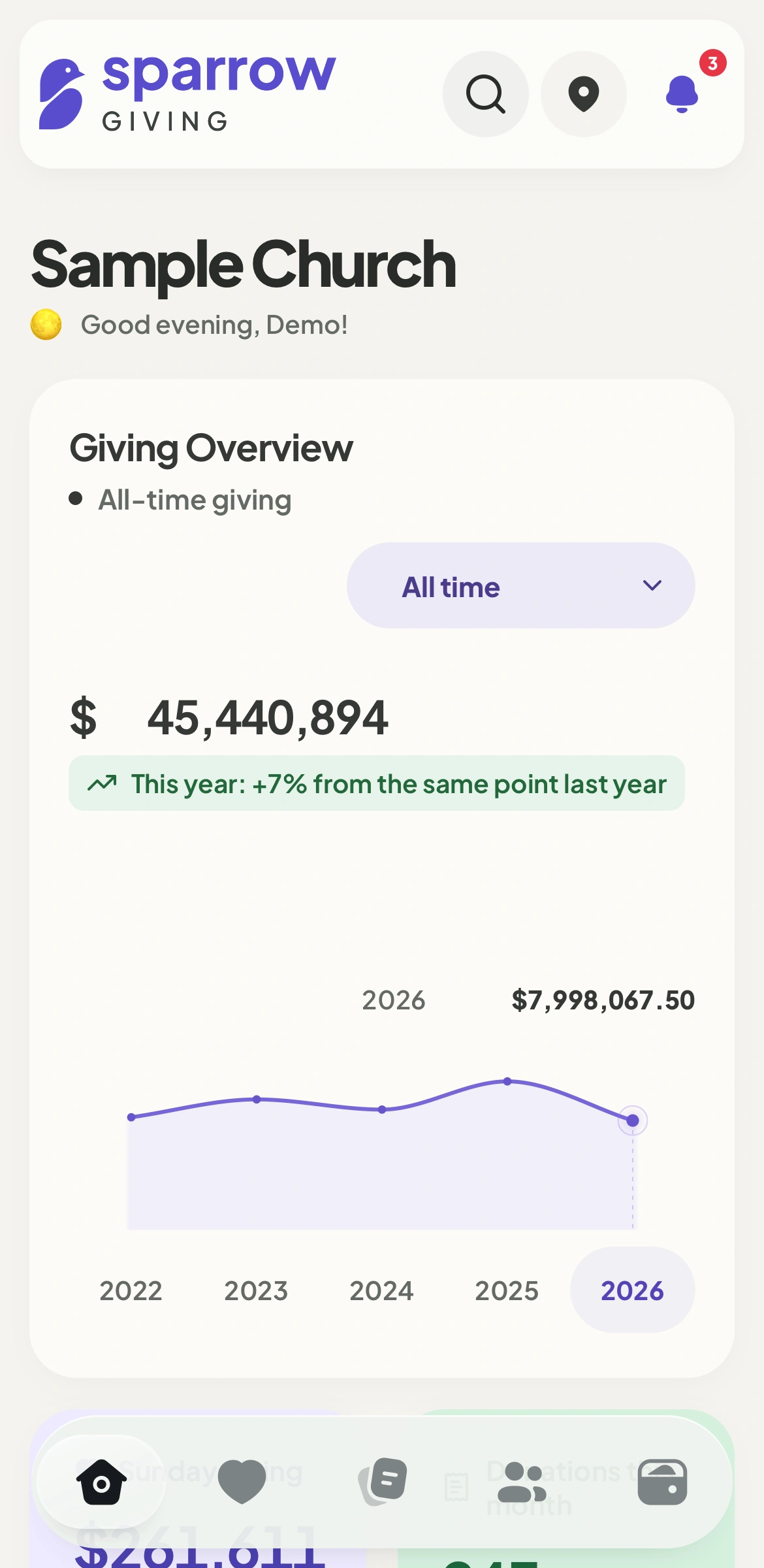
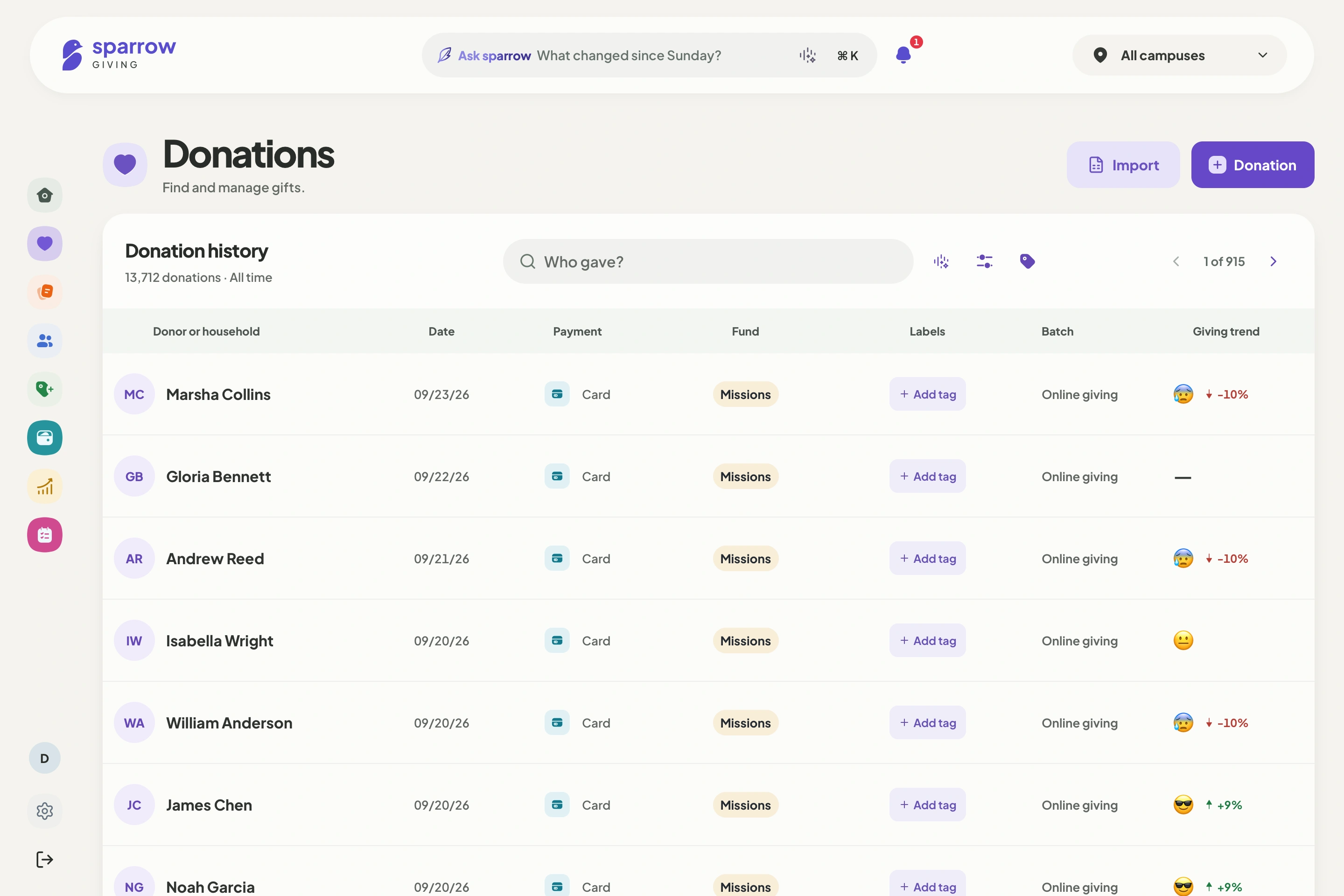
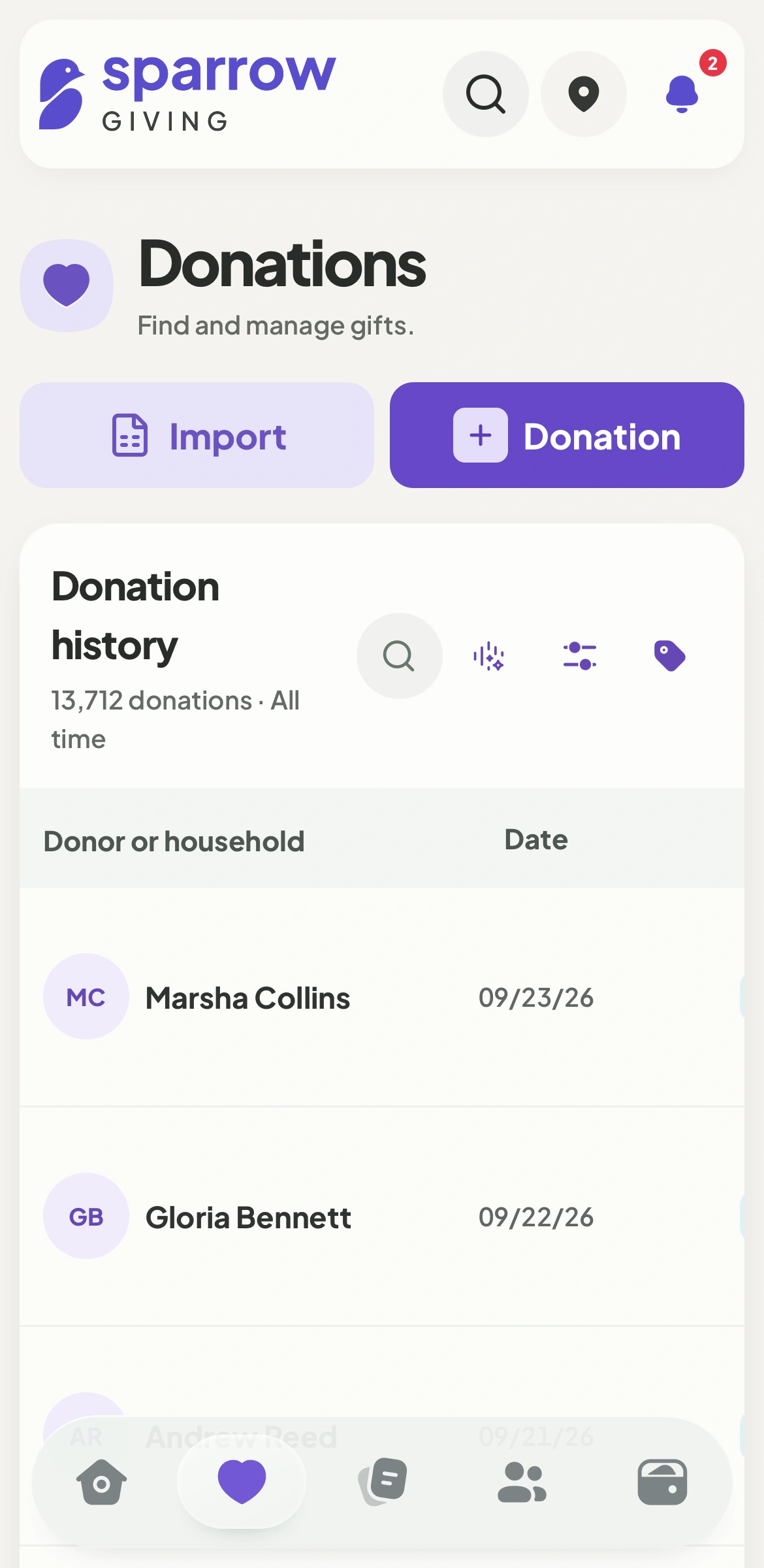
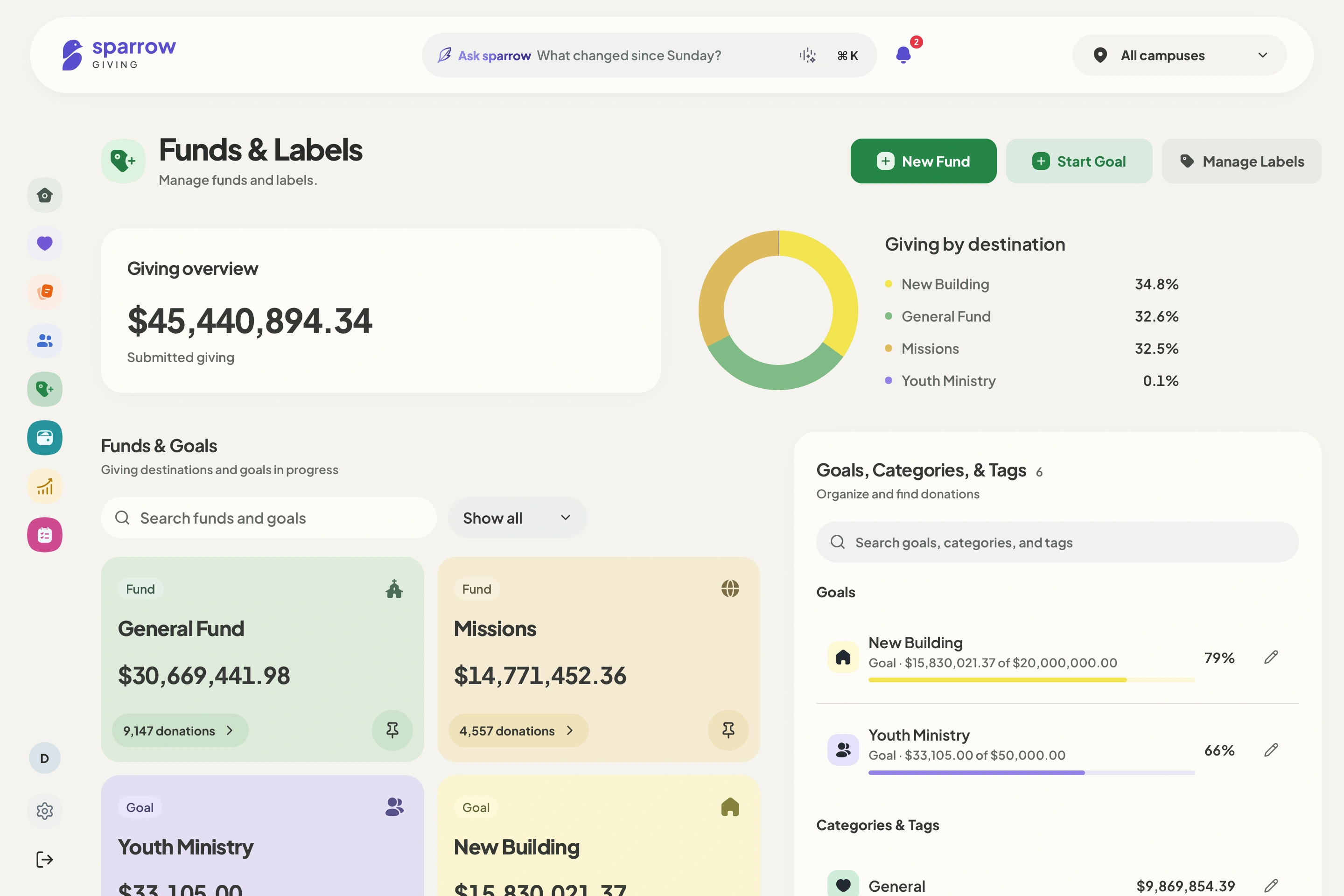
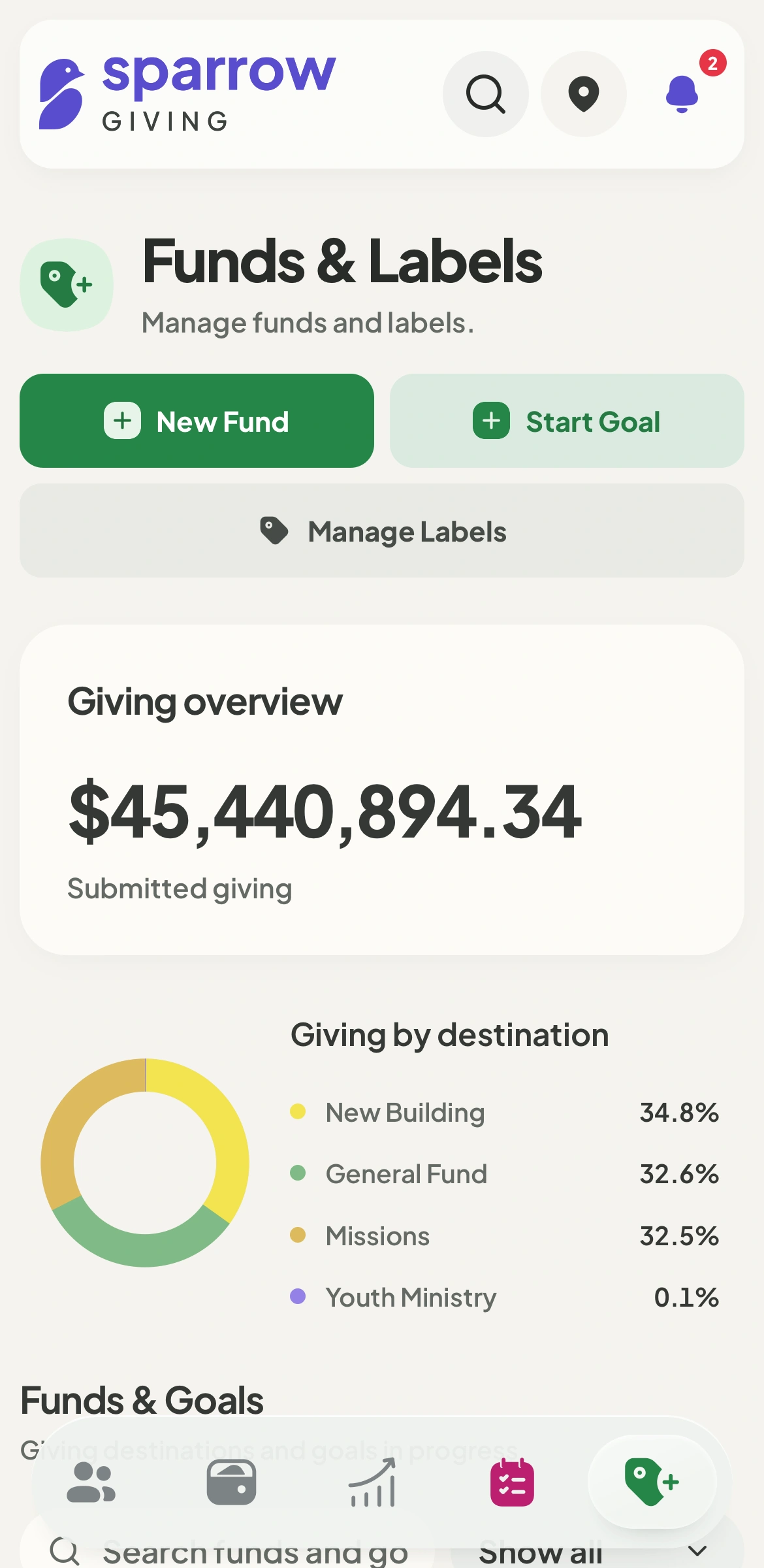
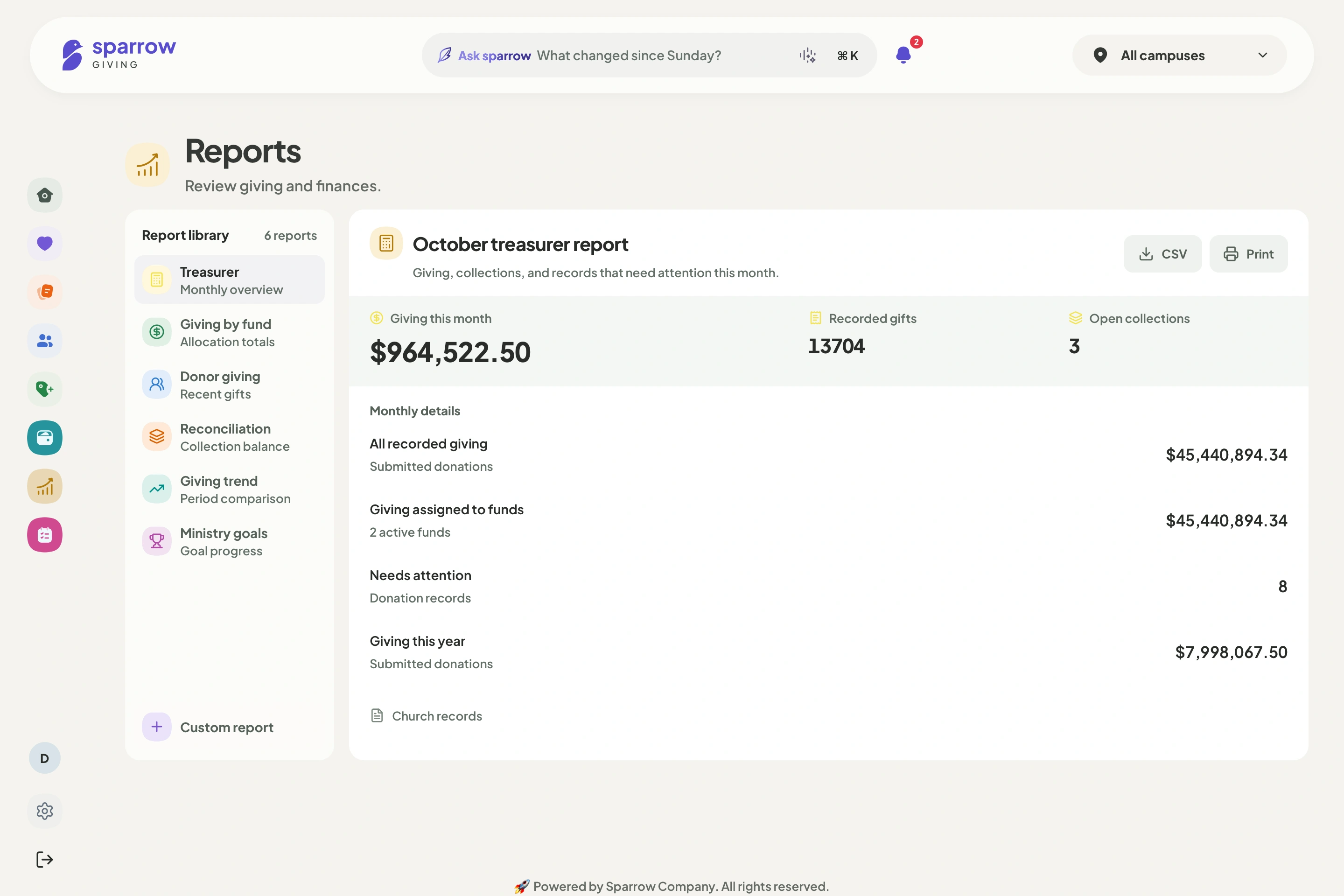
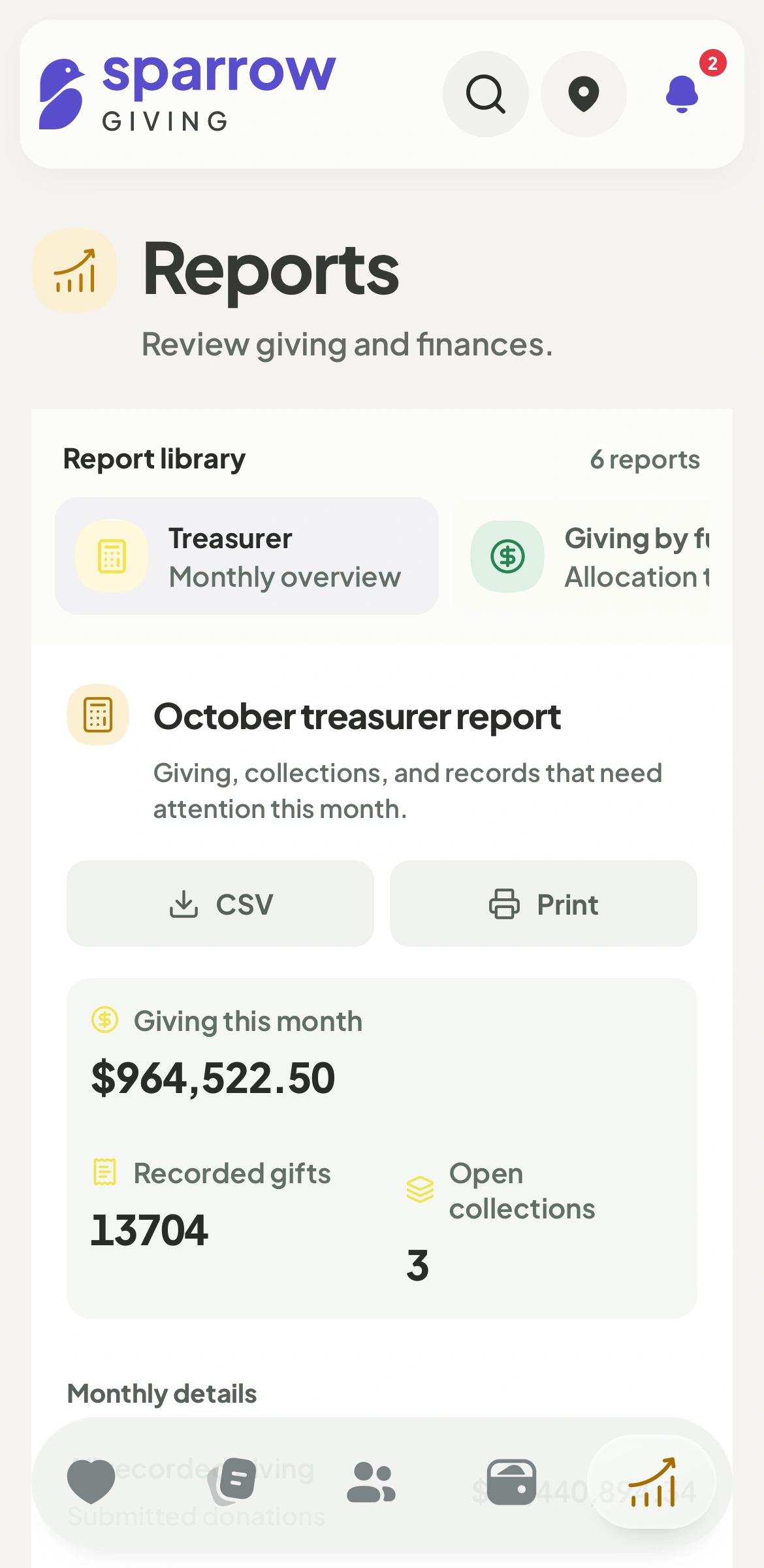
A clear picture of giving, with the next steps right where you need them.
Giving, people, and funds.
Keep online donations, Sunday batches, donor history, and ministry funds connected. Your team can find the record and see what needs attention.
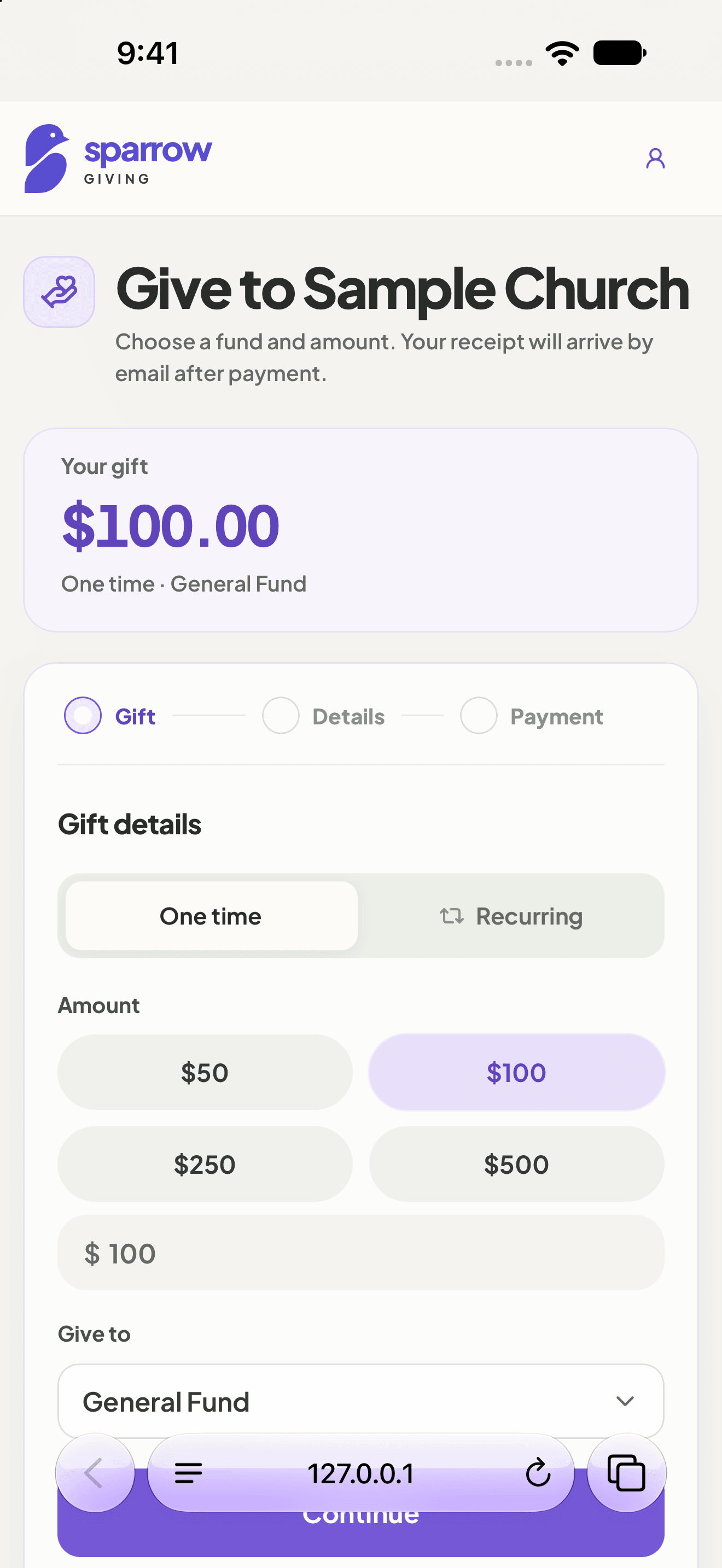
Online giving, cash, and checks.
Give your church a welcoming online giving page. Keep online donations, cash, and checks together in a clear donation ledger.
Funds and ministry goals.
Organize funds and subfunds, follow ministry goals, and give your leadership a clearer view of giving.
See each fund’s giving and progress. Use categories and tags to organize records without changing where a donation belongs.
Record. Reconcile. Track deposits.
Enter donations in a batch, check the totals, and follow the deposit.
Add cash and checks to the batch count sheet. Keep each donation with its donor and fund.
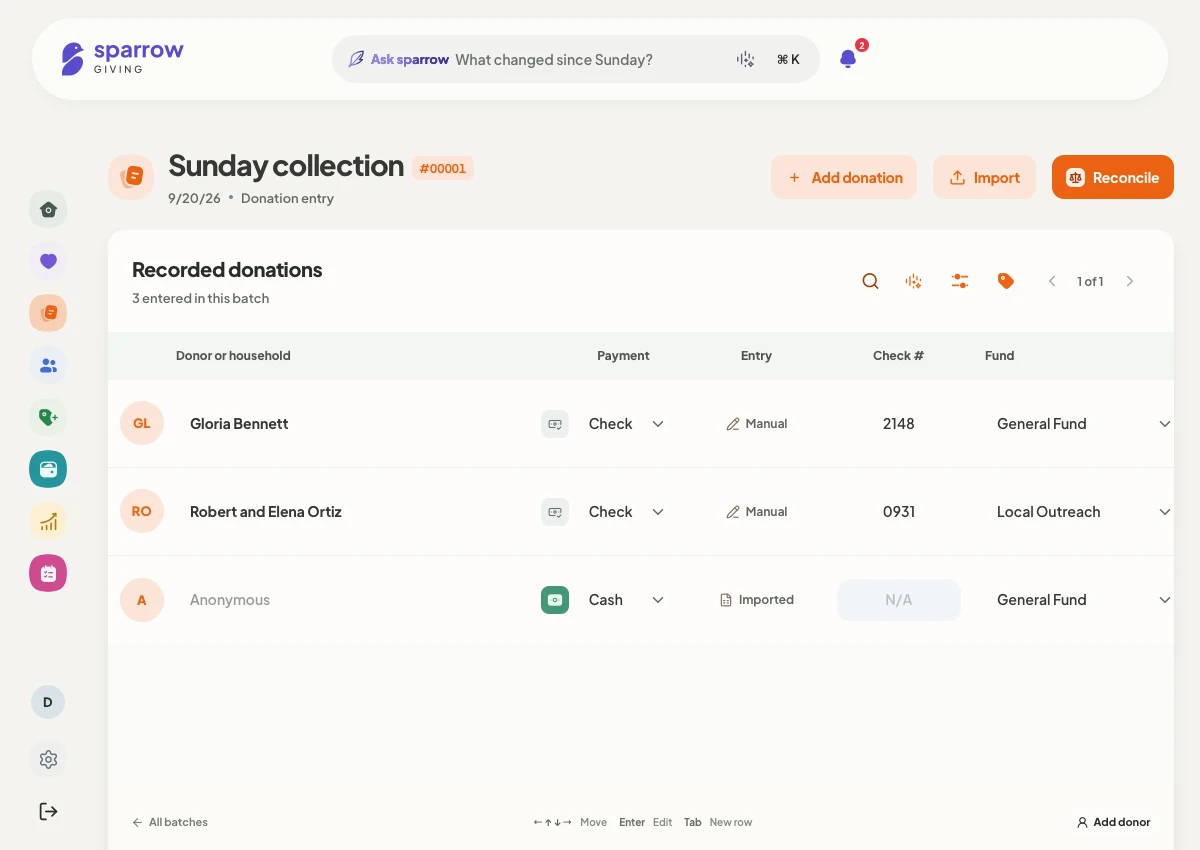
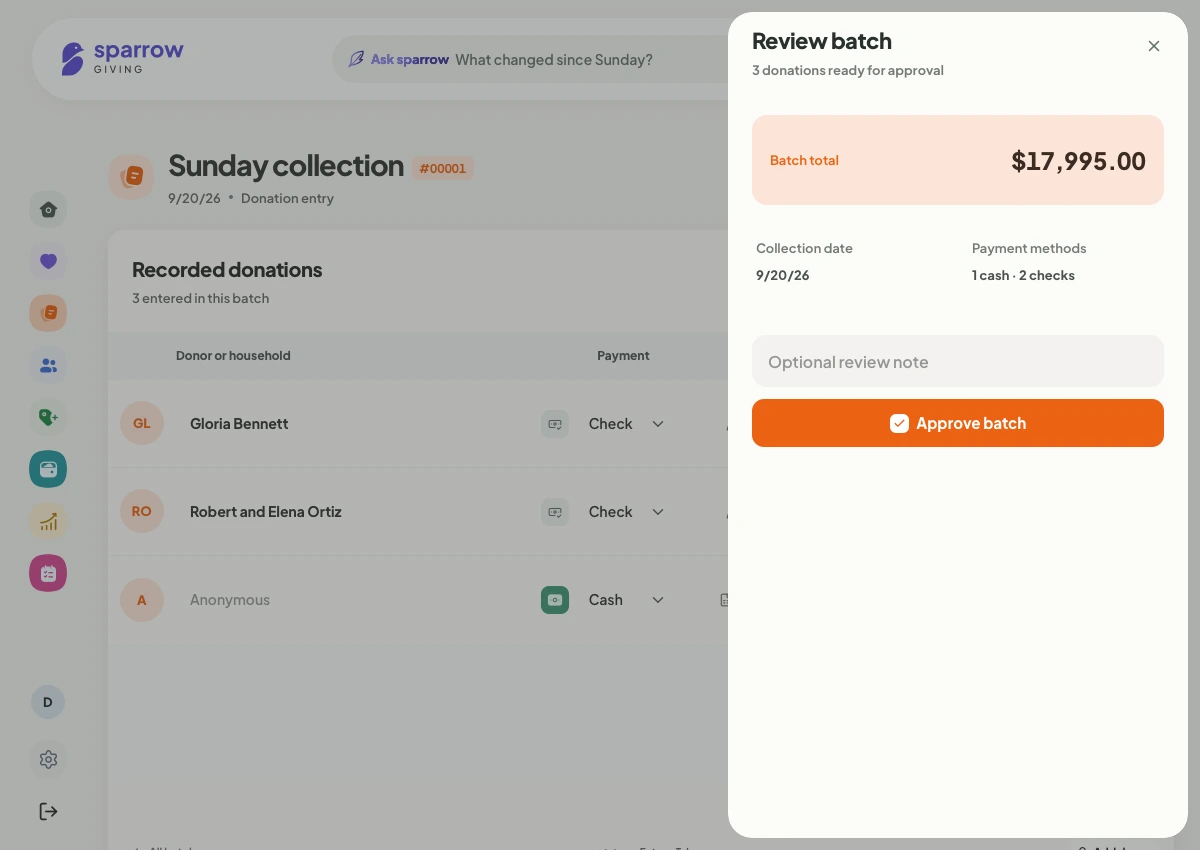
Compare the count with recorded donations. Fix any difference, then review and approve the batch.
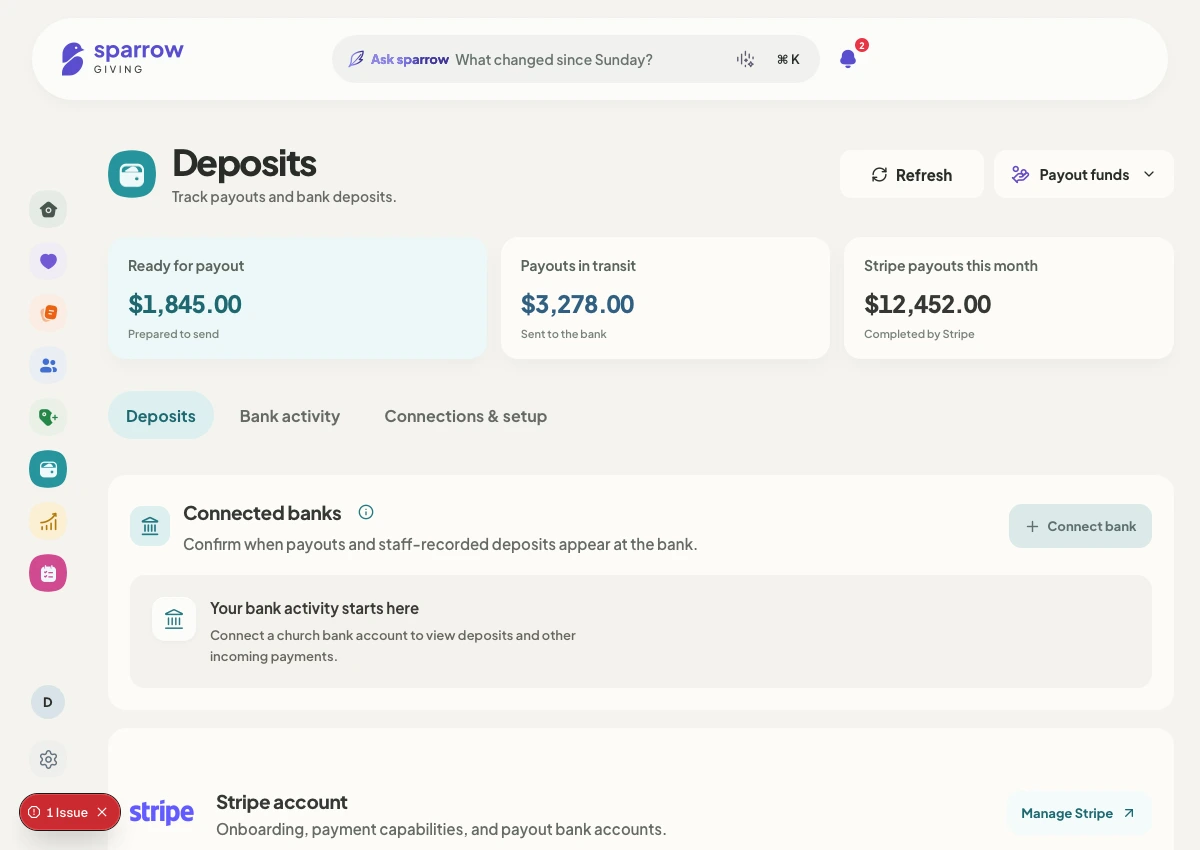
Link your bank account to see bank activity alongside your deposit records.
Meet Sparrow AI.
Ask Sparrow is powered by Sparrow AI. Ask about giving, find a donor’s history, or get help reviewing a batch using your church’s workspace records.
It works within your church’s permissions. Your team stays in charge of financial decisions.
Built for the team counting on Sunday.
Entering checks, balancing a batch, answering a donor’s question. Your team needs clear records and a shared way to work.
Sparrow keeps giving history, review steps, and access permissions together, so the work can pass from one person to the next.
Common questions.
Who is Sparrow for?
Sparrow is built for churches and the people who care for their giving: volunteers, administrators, pastors, treasurers, and ministry leaders. Donors have a separate, simple giving experience.
Can we see a demo before setting up our church?
Yes. Select “I’d like a free demo” when you create your account. You can request a walkthrough as part of signup, without setting up your church first.
Can we bring our existing giving records?
Sparrow includes an import review workflow for giving records. You can review the records and resolve issues before they become part of your church’s giving history.
How does online giving work?
Sparrow uses Stripe for online payments. Your church connects its payment account during setup. Available payment methods depend on your connected account and location; payment setup must be complete before you receive online donations.
Does everyone see the same church information?
Access follows each person’s role and church membership. Fund managers can work with assigned funds, while donor details and church-wide controls stay limited to people with the right permissions.
Can Ask Sparrow change our financial records?
Ask Sparrow helps explain records and prepare work. Financial changes require an authorized person’s explicit approval. Reading an answer or viewing a suggestion does not change your records.
Bring your church’s giving together.
Get started with SparrowCreate your account and request a free demo along the way.